
01 · SPEAK
Capture naturally
Record a quick thought, dictate an instruction, capture a meeting or type when speaking is not convenient.
Capture a thought, meeting or instruction. LetsVoice transcribes it, understands what matters and turns it into organized notes, tasks, reminders, content and useful next steps.
The mobile apps are in review. Sign up now and sign in as soon as they land.
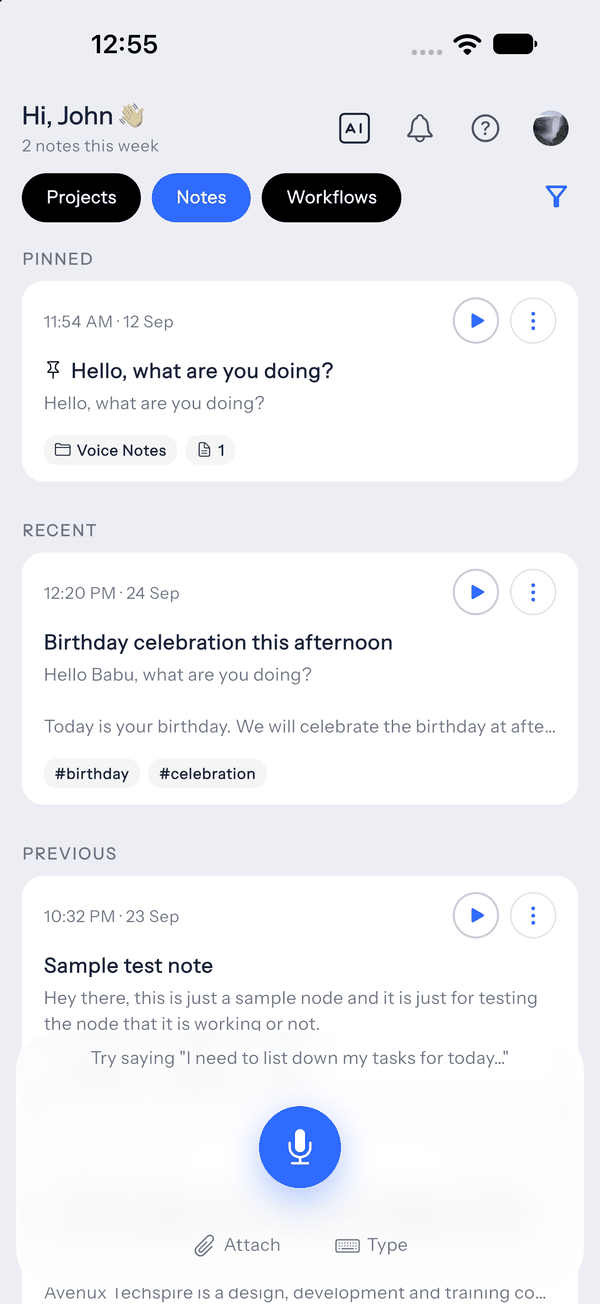
The point is not to make you maintain another productivity system. Voice stays the input; LetsVoice does the interpretation and follow-through.
Record a quick thought, dictate an instruction, capture a meeting or type when speaking is not convenient.
LetsVoice turns speech into a clean transcript, then finds the tasks, dates, key details and context you need to keep moving.
Create reminders and to-dos, generate structured notes, ask follow-up questions or reuse actions that keep recurring work moving.
Transcription is the starting point. LetsVoice helps you get useful structure and decisions out of the recording without rebuilding the context somewhere else.
Long-form speech stays searchable as a transcript while LetsVoice generates a concise summary and extracts action items you can actually work from.
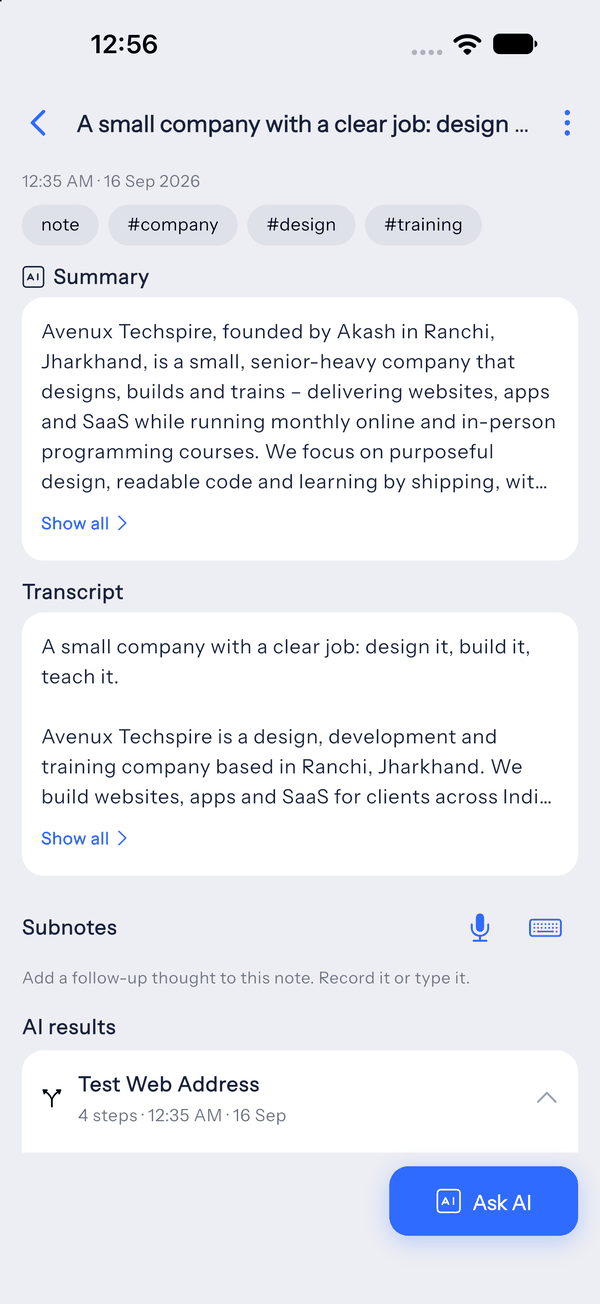
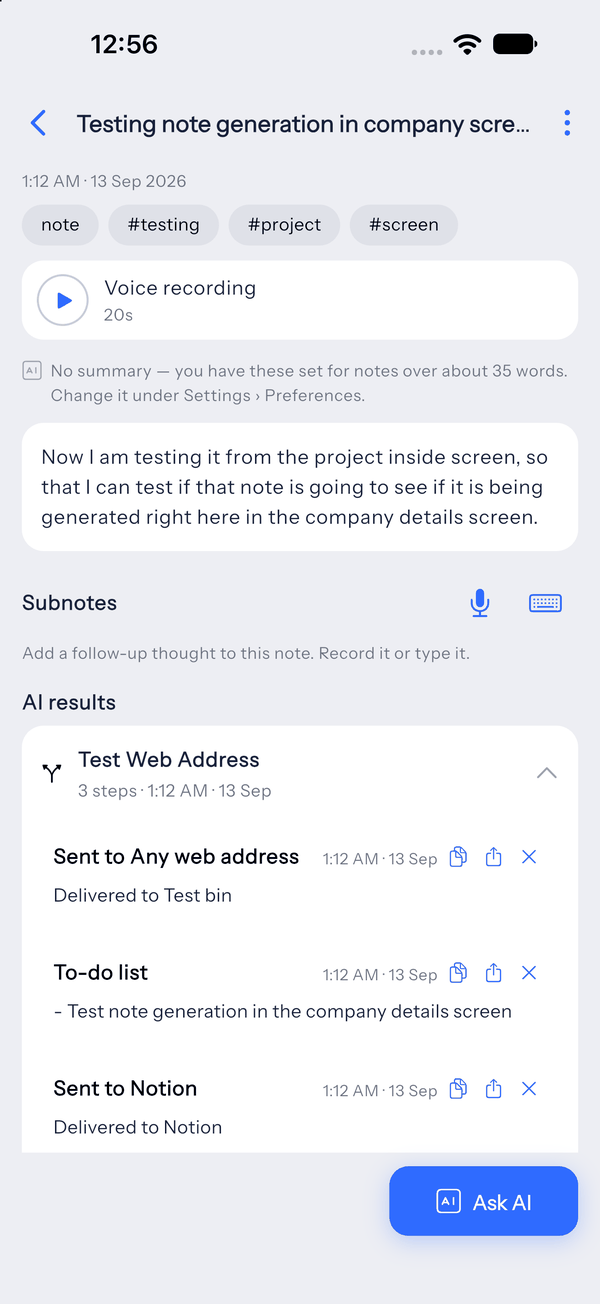
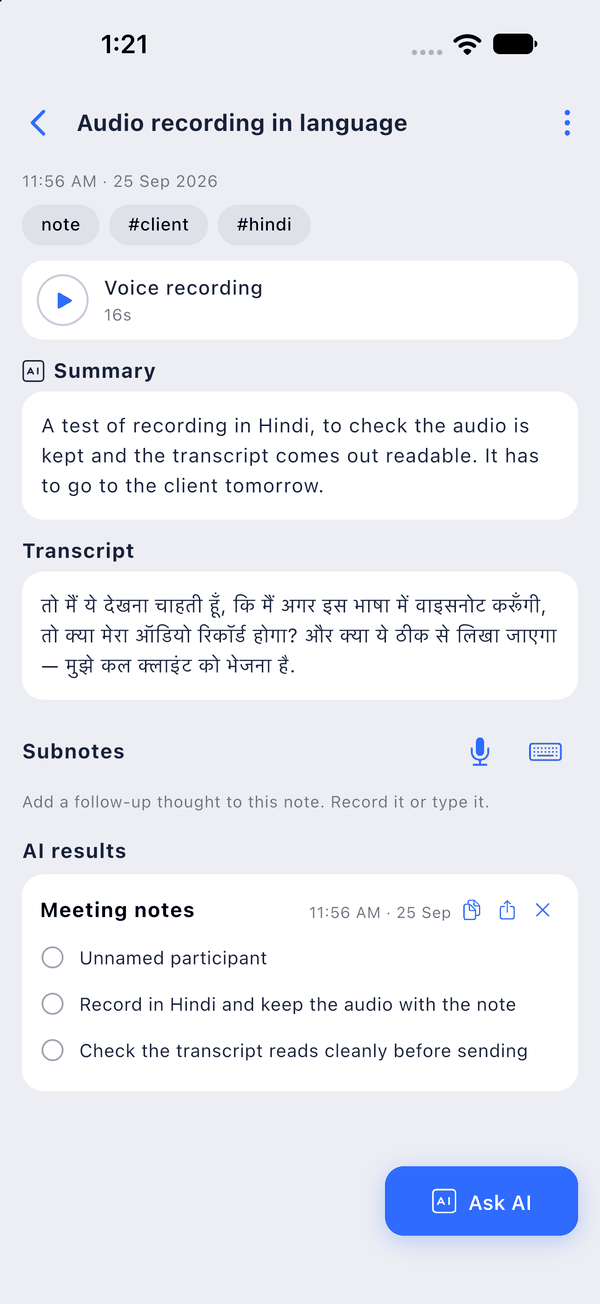
Record voice notes in multiple languages, keep the speech as text, translate when needed and continue working from the same note.
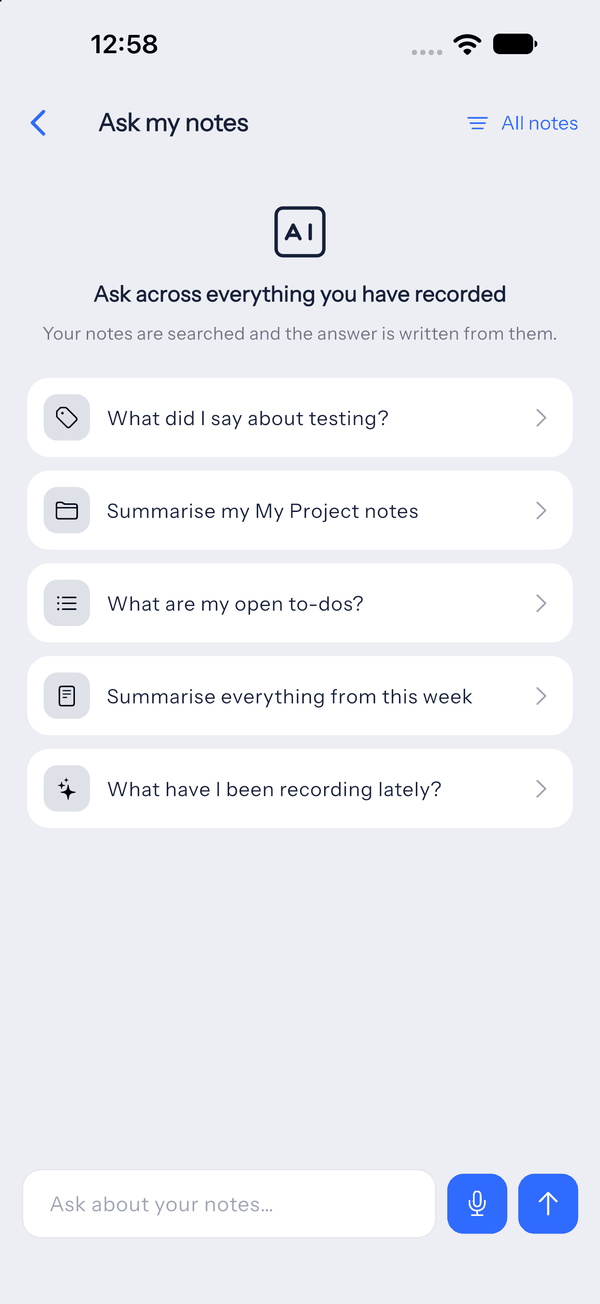
Instead of hunting through a folder or scrolling through old transcripts, ask the question in plain language and work from the answer.
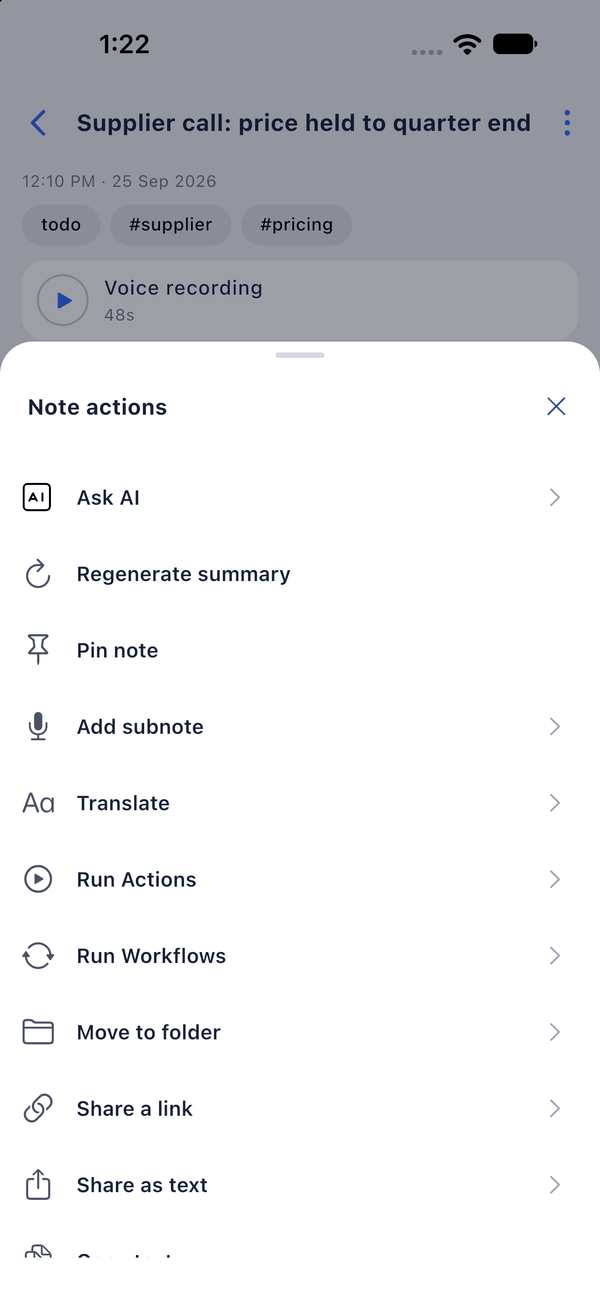
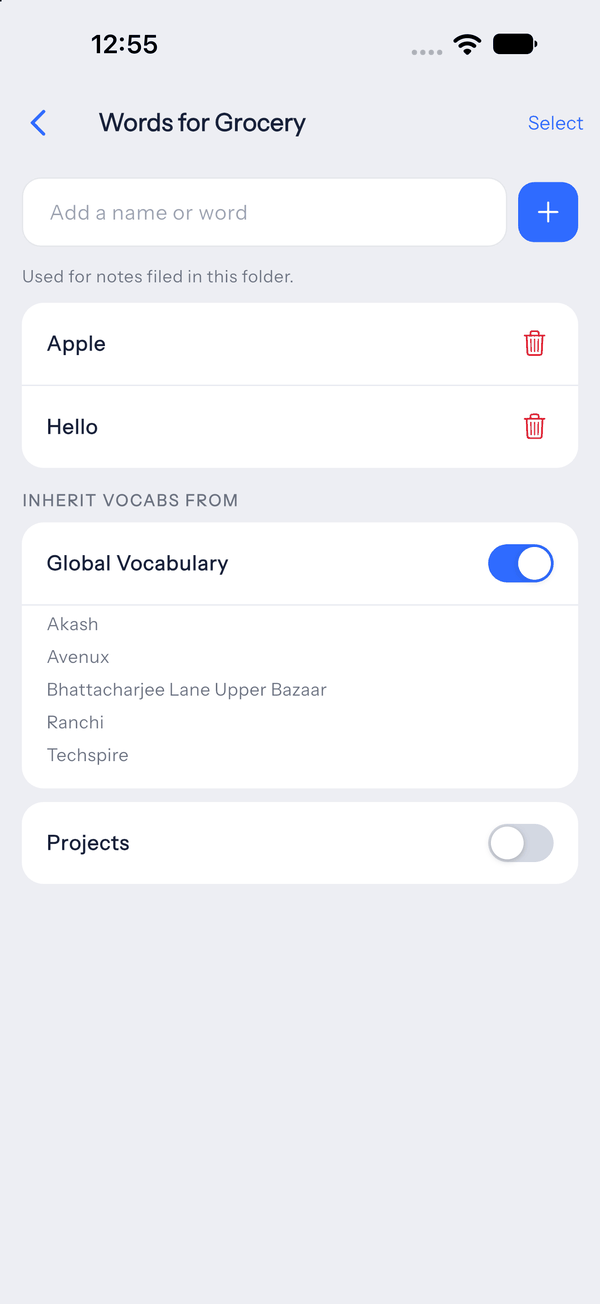
Save names and terms that transcription should know, organize notes by project and set standing instructions for how summaries, actions and Ask AI should respond.
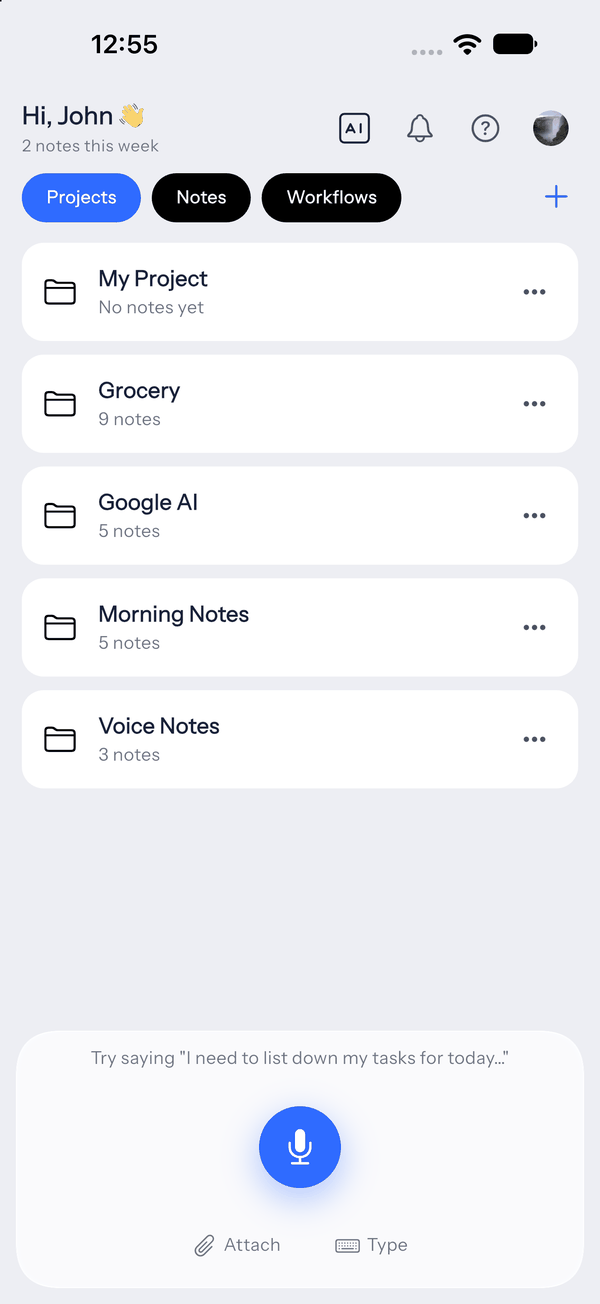
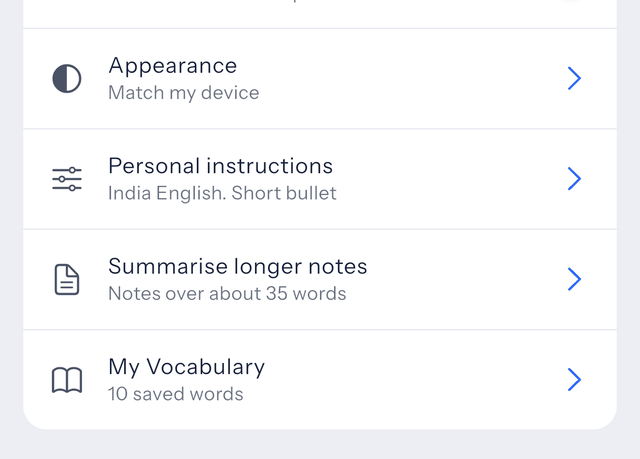
The same capture layer can organize information, create useful outputs and move into action.
Readable transcripts with cleaner structure and less noise.
Turn longer recordings into concise summaries, key points and structured notes.
Detect action items and dates so spoken intent becomes something you can act on.
Work across languages without breaking the flow of the original note.
Retrieve decisions, ideas and open actions from past notes through natural questions.
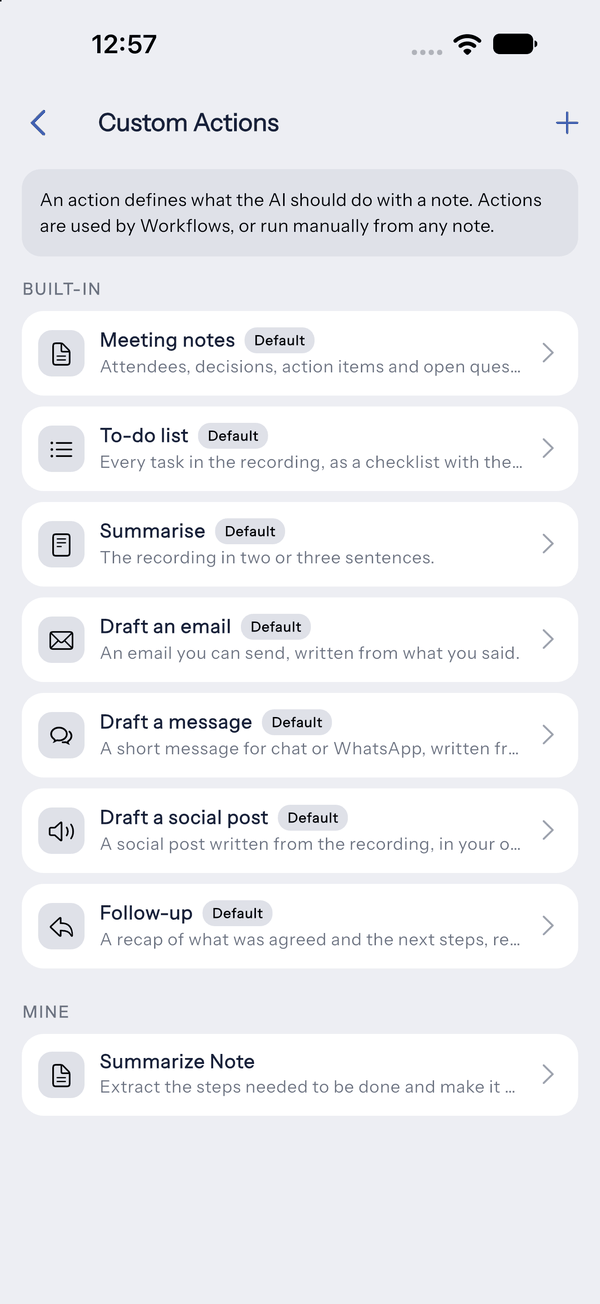
Save repeatable AI instructions for outputs you create often.
Turn recurring follow-through into a reusable flow instead of rebuilding it every time.
Custom Actions help you reuse the outputs you need often. Workflows help recurring follow-through happen with less repetition, so meetings, client updates, ideas and daily planning do not start from scratch every time.
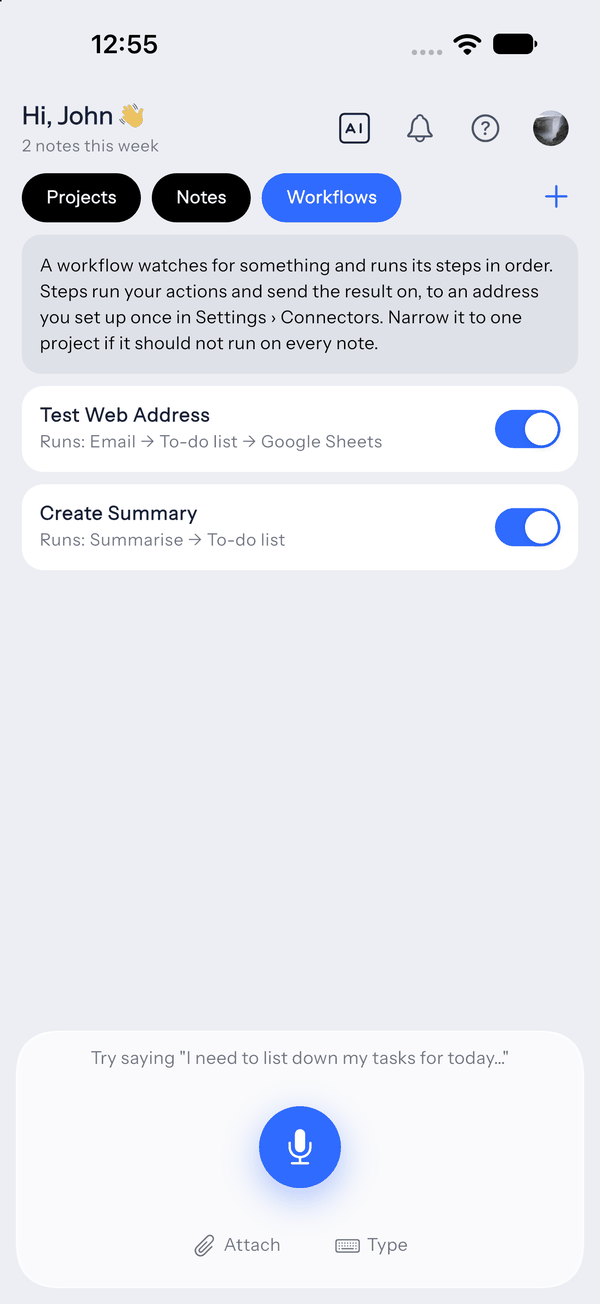
Prepare the follow-up, reminder, task or update in LetsVoice, then move it into the tools you already rely on. The goal is less copying, less switching and less work falling through the cracks.
Capture ideas quickly, reduce repetitive admin and turn spoken instructions into repeatable actions.
Turn meetings, decisions and spontaneous thoughts into notes, tasks, reminders and follow-ups while moving quickly.
Handle meeting notes, dictation, summaries, reminders and information retrieval with less manual effort.
Record lectures, create summaries and study notes, extract tasks and translate content when needed.
Capture ideas on the move and turn spoken thoughts into structured notes, outlines or drafts.
Use voice for documentation and structured follow-up across education, legal, healthcare and other knowledge-heavy work.
Connecting Google Calendar is optional. Without it, LetsVoice gives you reminders on your phone instead of events in your calendar.
One scope requested
https://www.googleapis.com/auth/calendar.events
You can disconnect Google at any time from Settings in the app, which revokes our access and removes the stored token. Full detail is in the Privacy Policy.
Pro renews every month and can be cancelled at any time. Compare every plan