
Your voice should do more than become text.
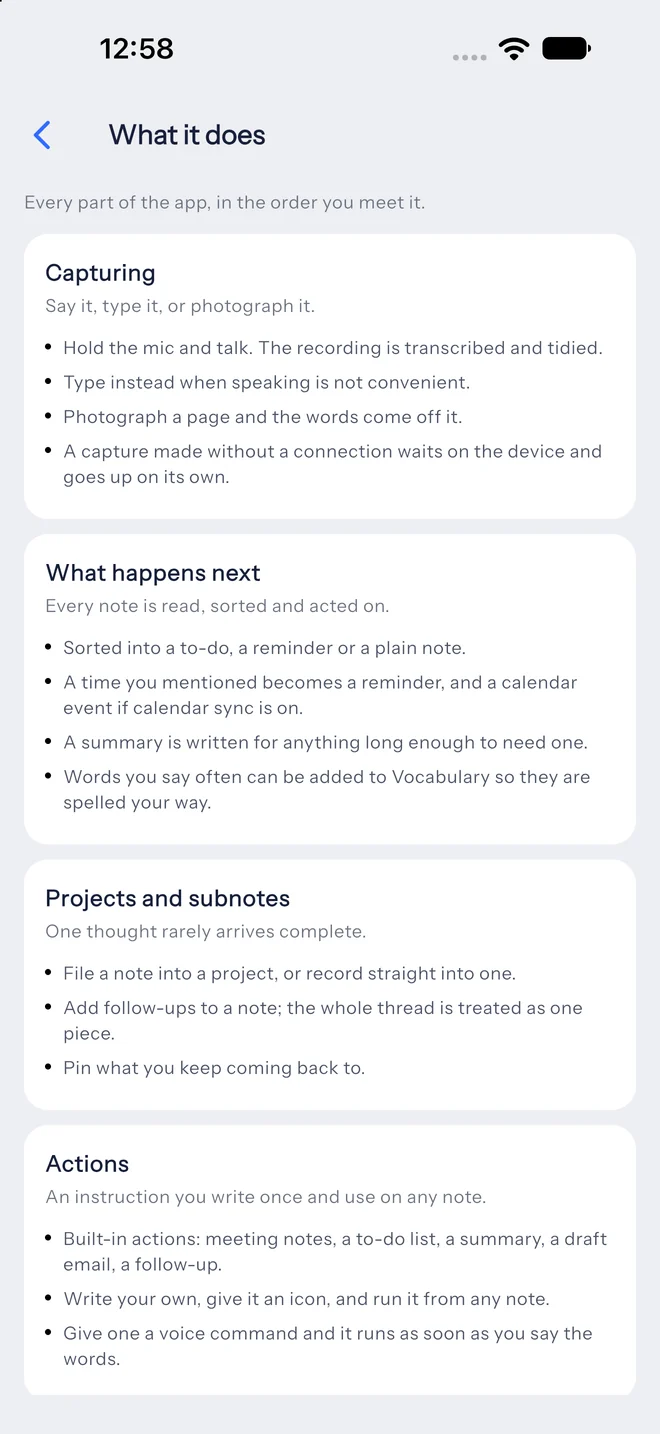
Say it once after a call. LetsVoice writes the meeting notes, sends the follow-up, puts the meeting on your calendar, adds the to-dos, and reminds you when it matters.


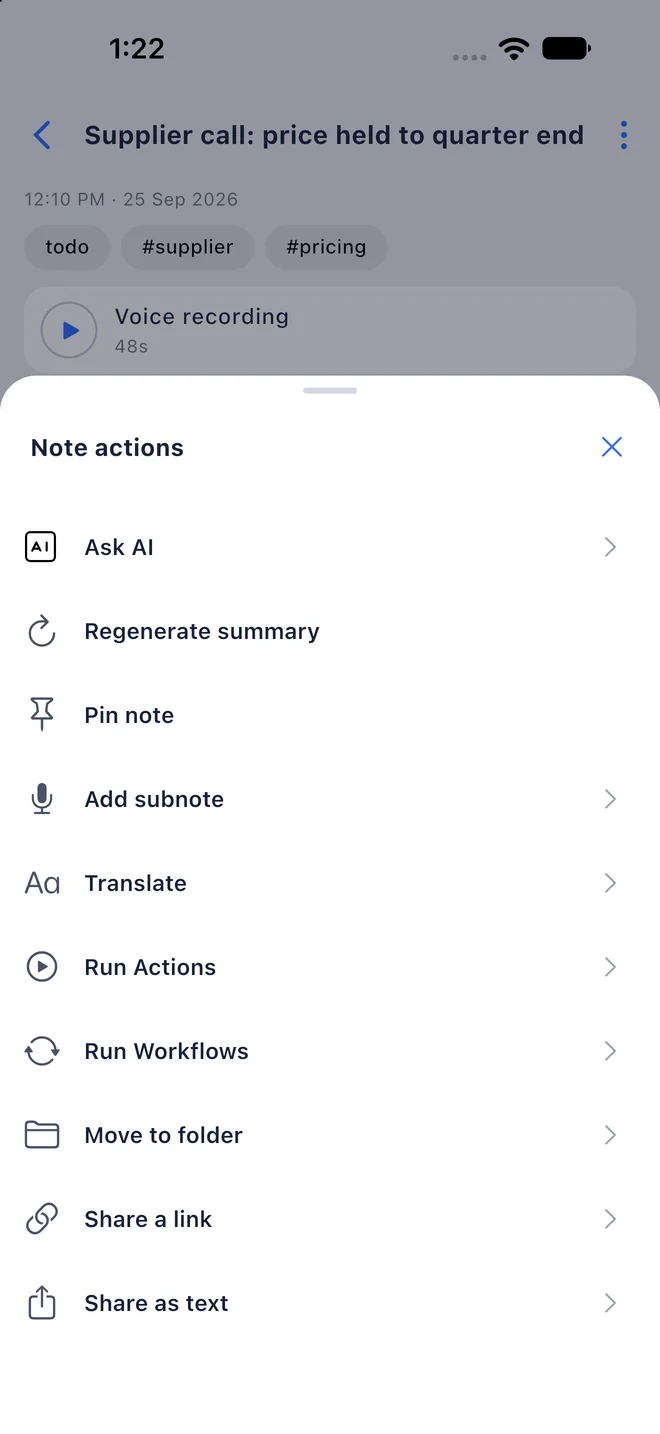
Record in one language, share in another
Speak in the language that comes naturally. The audio and the original transcript stay with the note, and Translate adds an English version beside it.
Clean, readable transcripts
Filler words are tidied out and punctuation added, so a rambling voice note reads like a written one.
The gist on top, the detail underneath
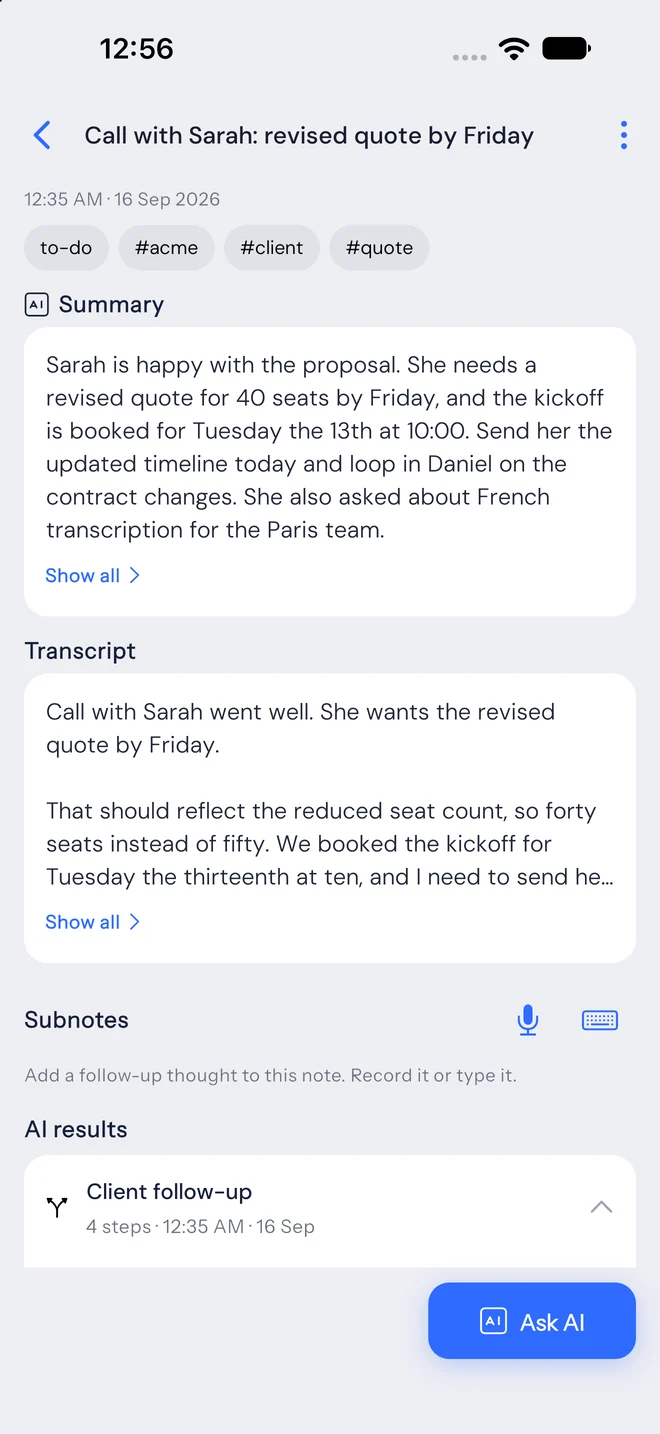
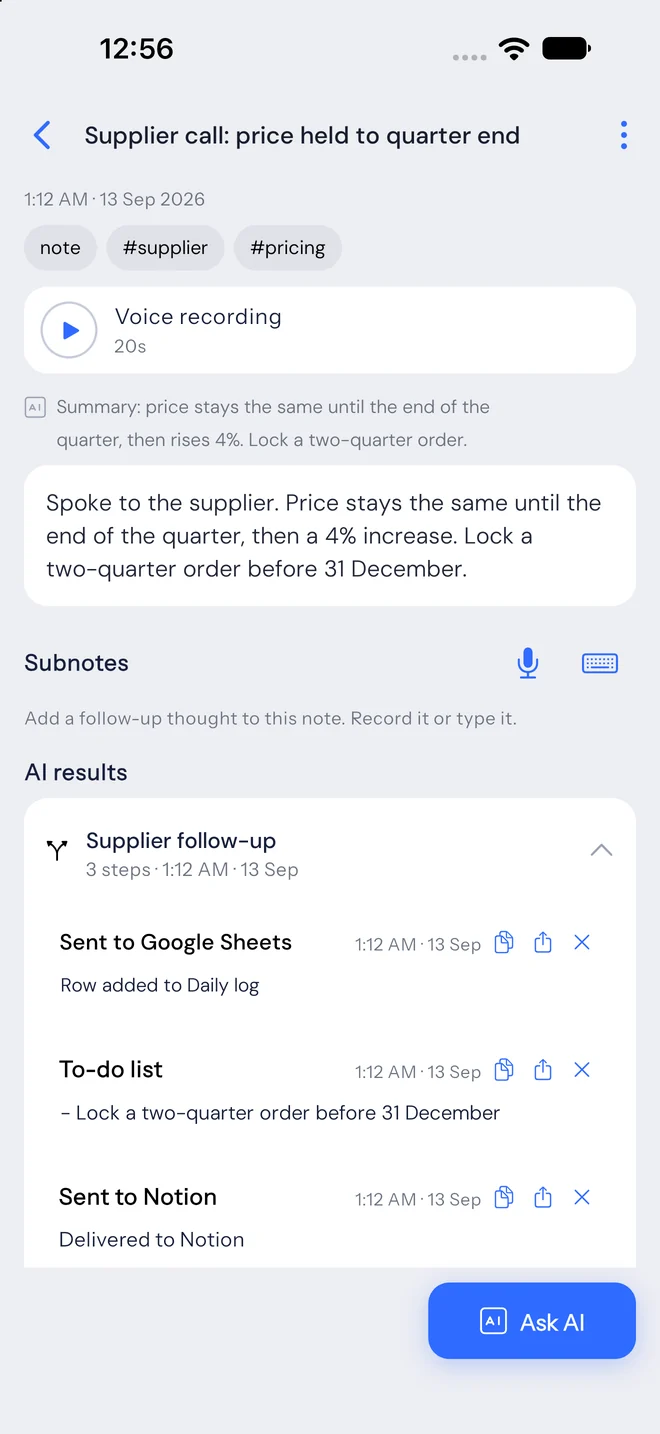
Longer notes get a short summary above the full transcript, and any tasks you mention come out as a checklist with their deadlines.
Mention a time, get a reminder
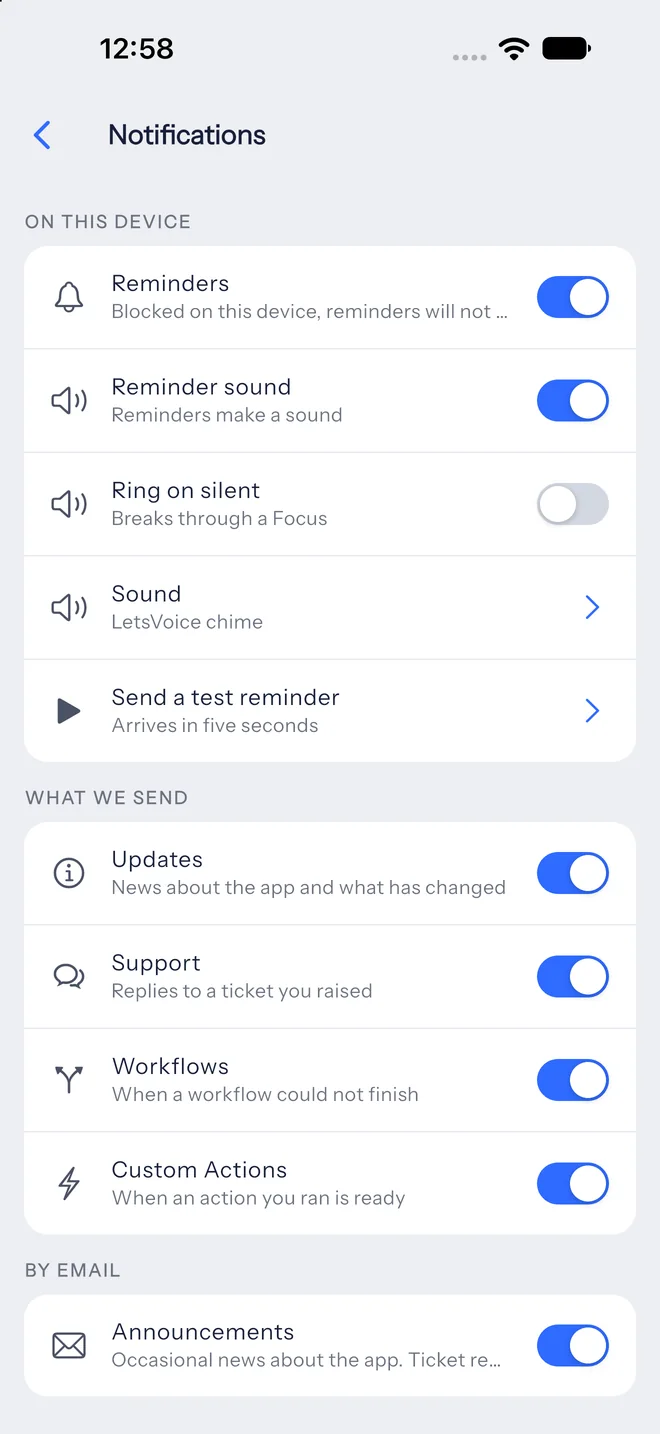
Times in a note become reminders on your phone, and events on Google Calendar if it’s connected. Change the time in the note and the event follows.
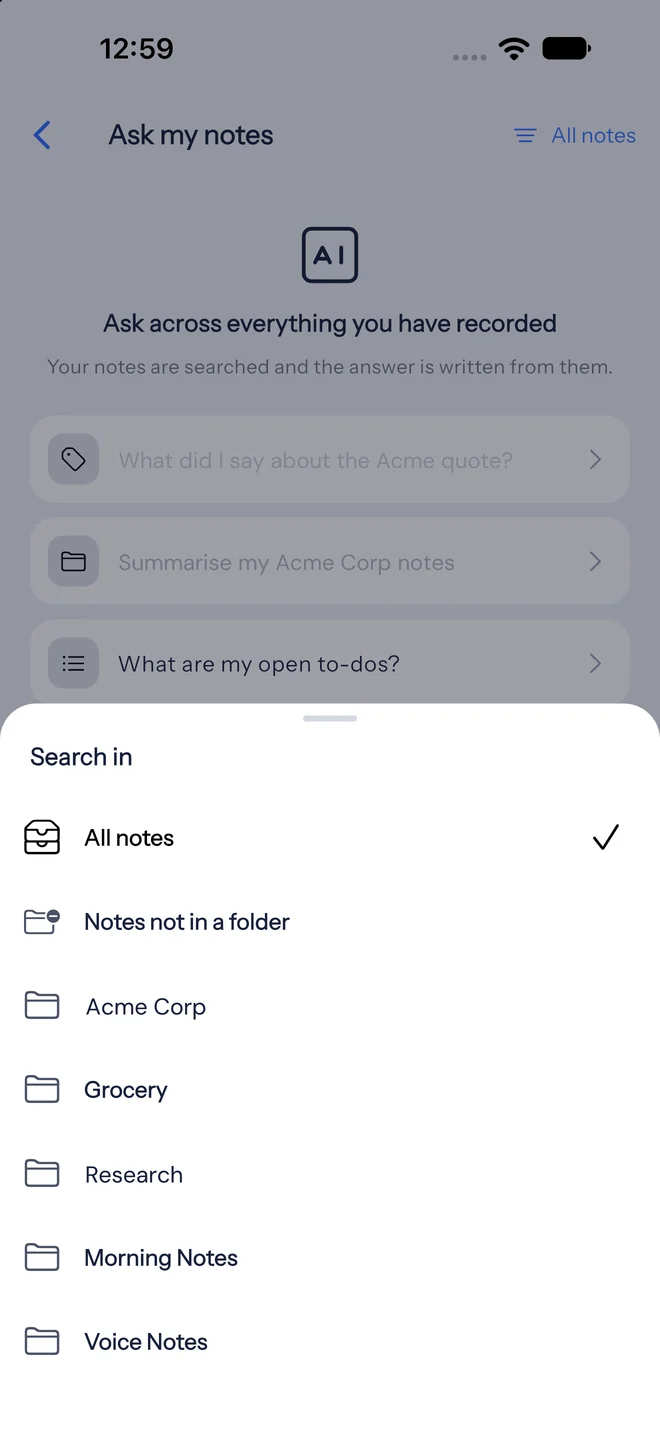
Answers from everything you’ve recorded
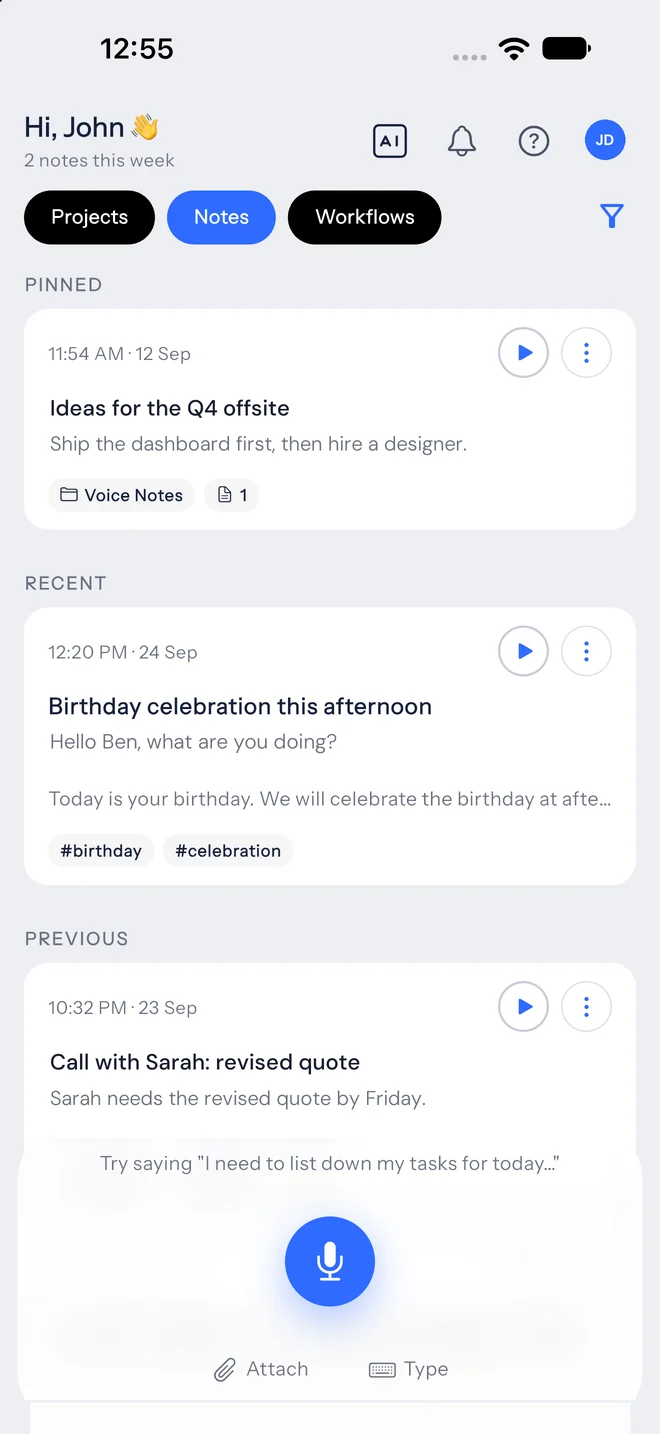
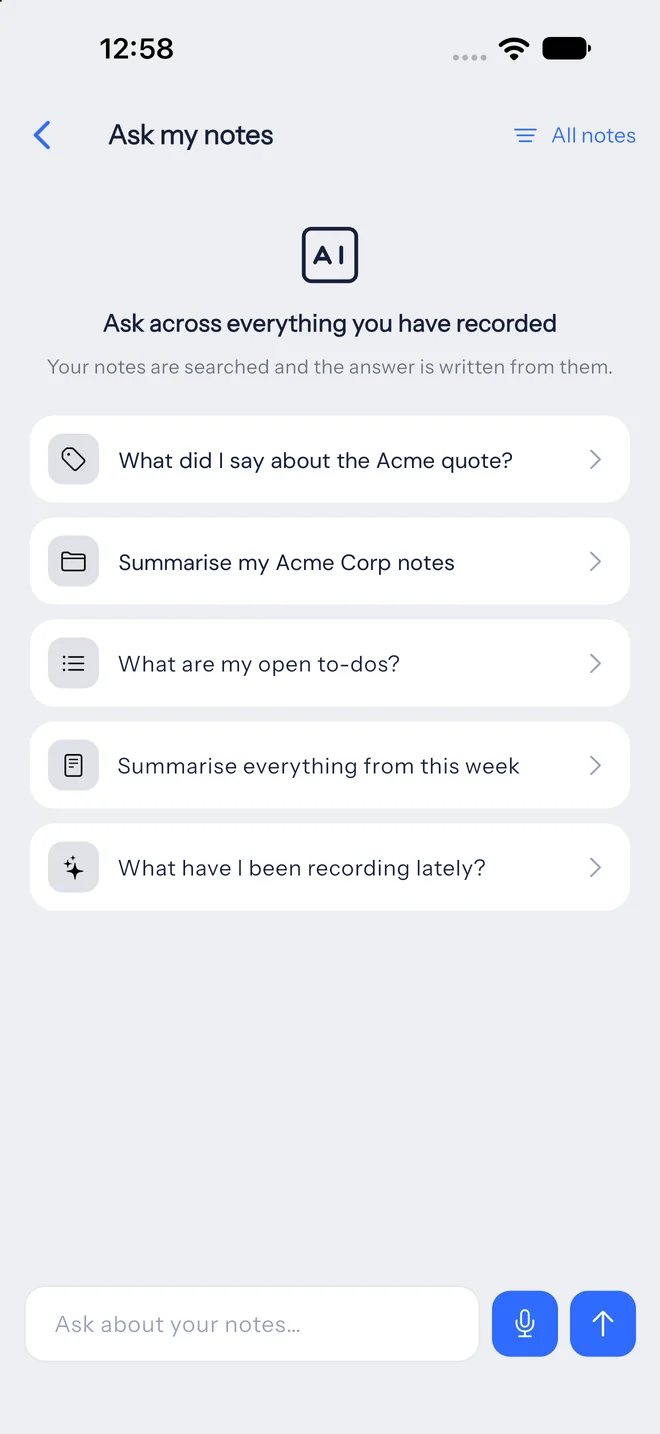
Ask a question in plain words and get an answer written from your own notes, with links back to the notes it used.
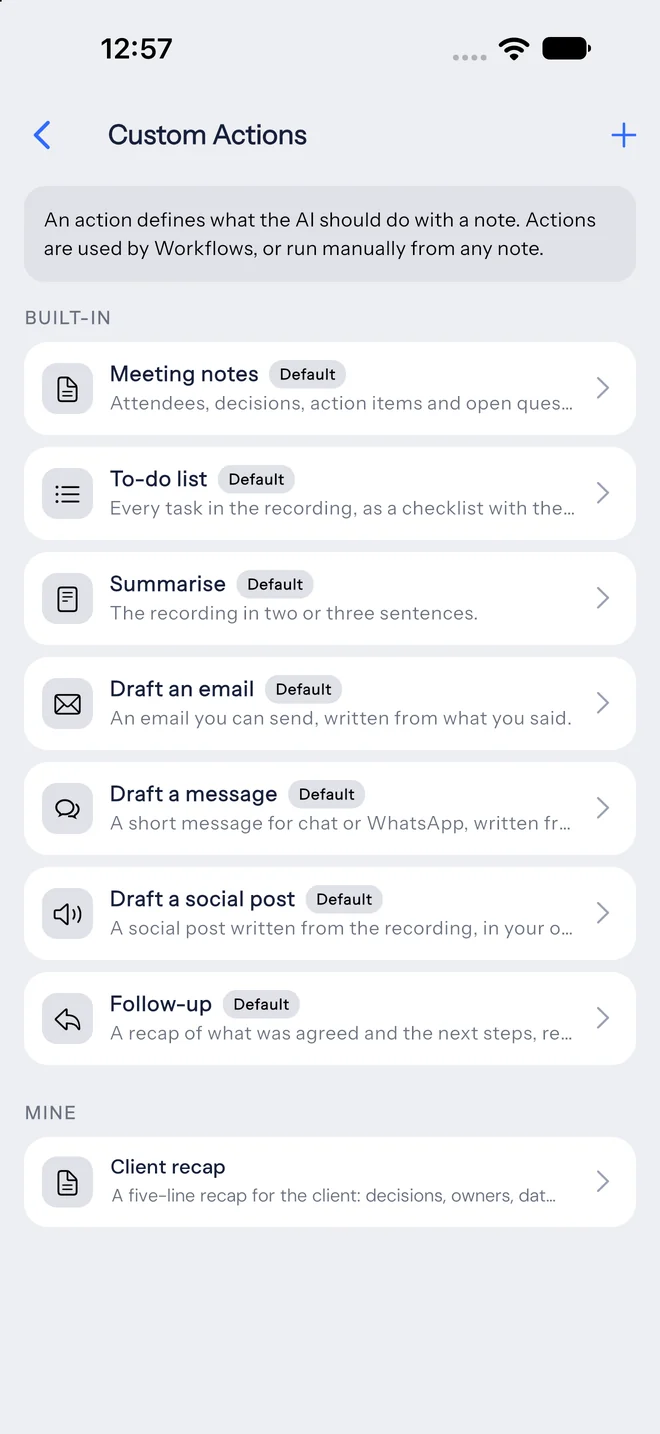
Saved instructions, one tap away
Seven built-in actions cover meeting notes, to-do lists, summaries and drafts. Write your own in plain language and trigger it by saying its name.
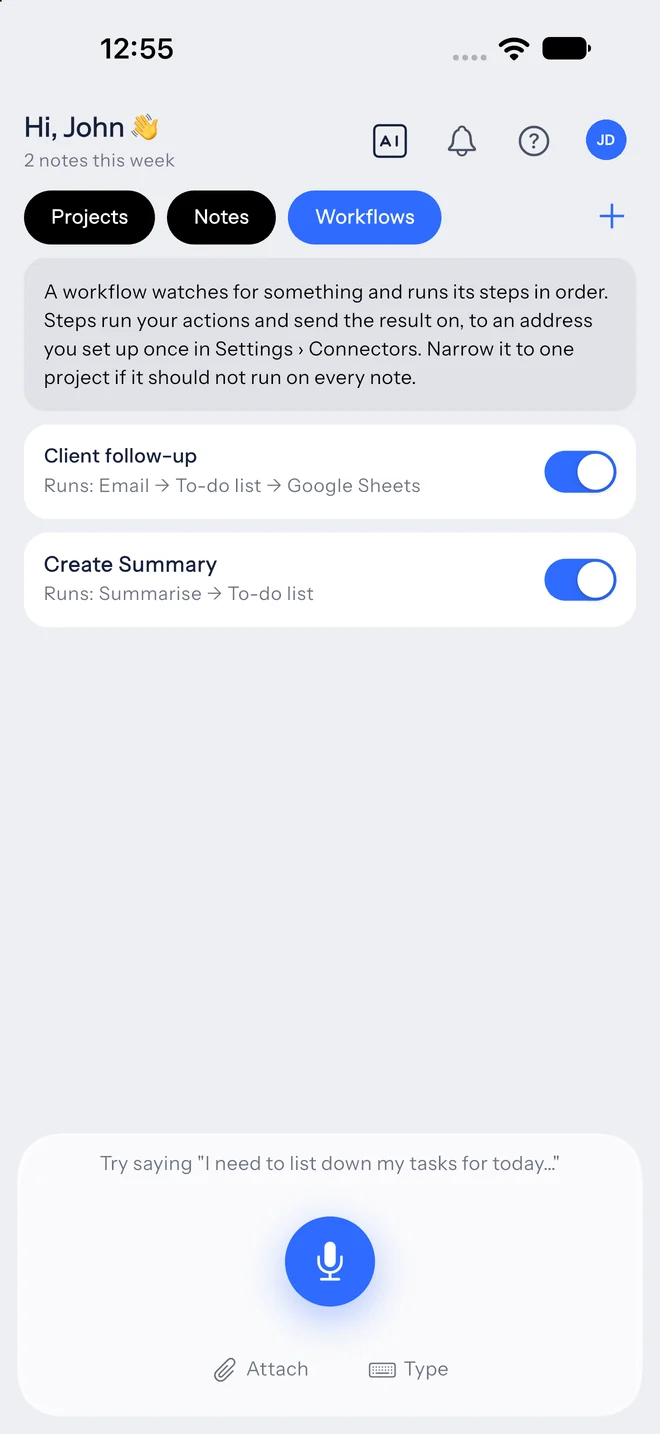
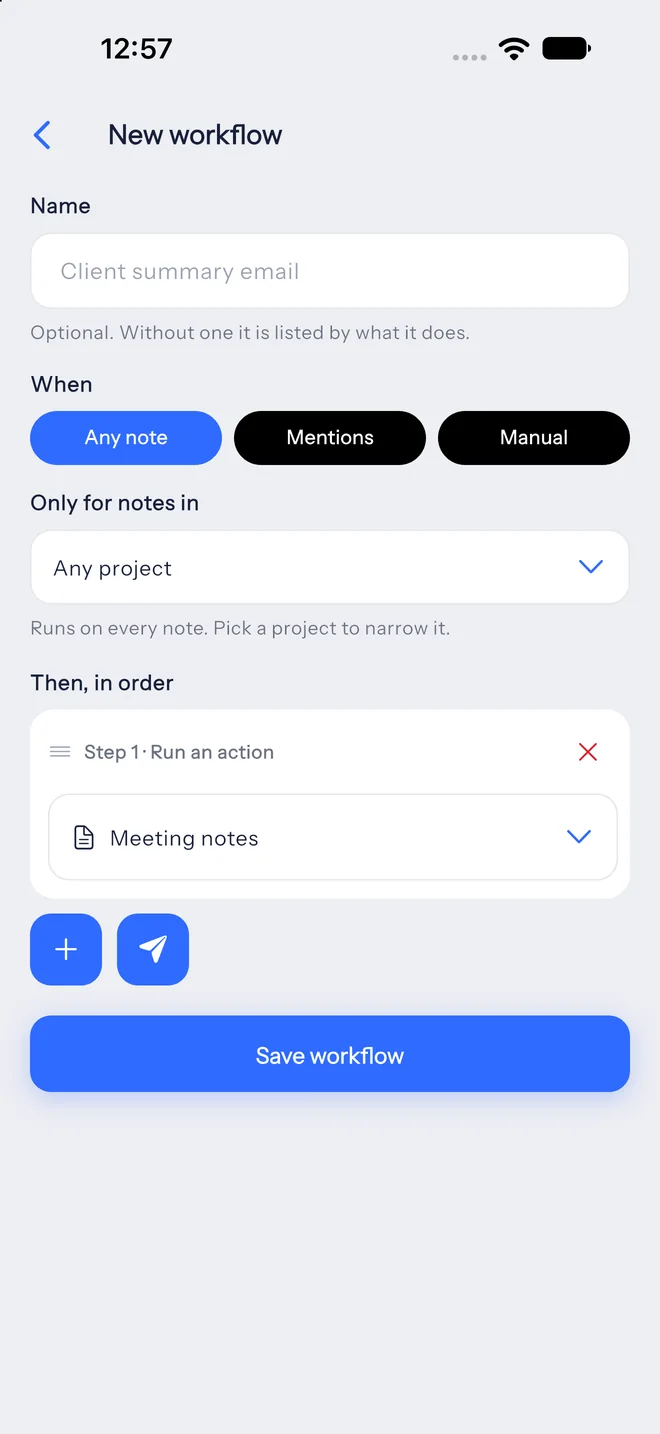
Follow-through that runs on its own
A workflow runs on every note, when a tag is mentioned, or only on request, and carries out its steps in order: actions first, then deliveries.
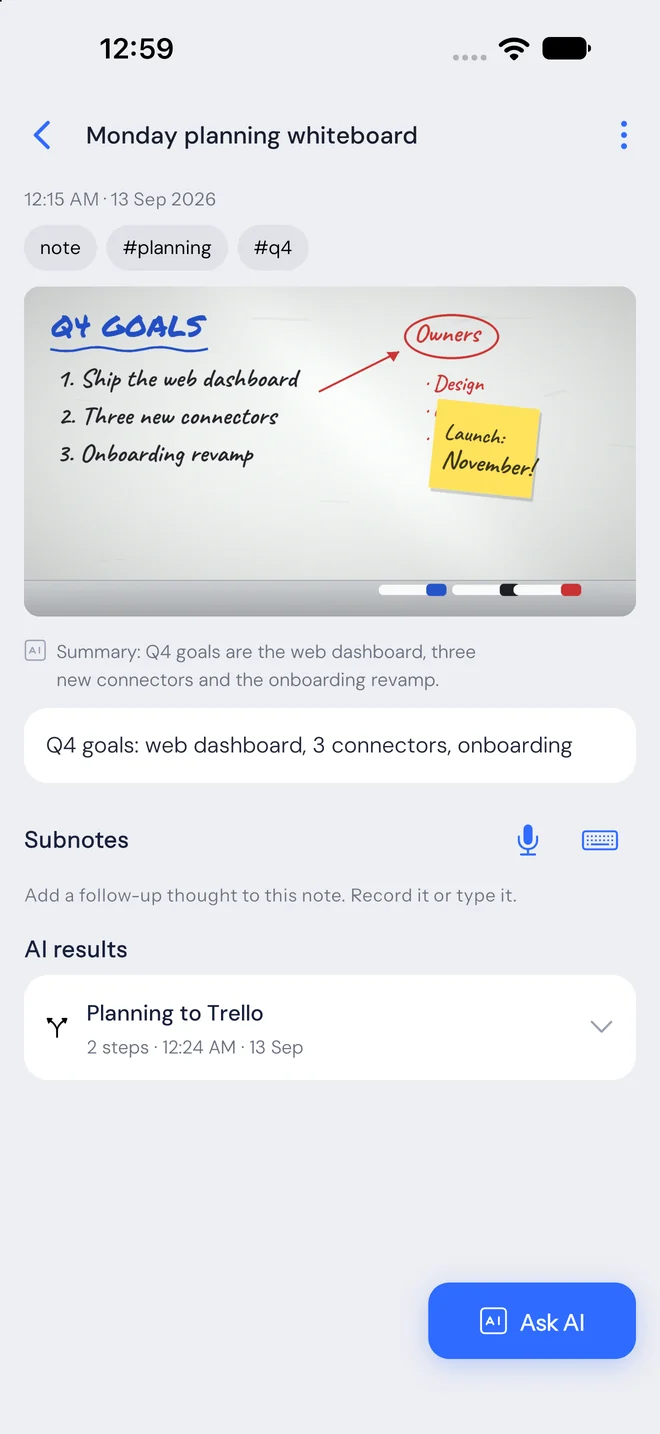
Whiteboards and pages become notes
Photograph a whiteboard, a page or a receipt. The text is read out of the picture and the note works like any other: searchable, with actions and workflows.
Three steps from thought to done.
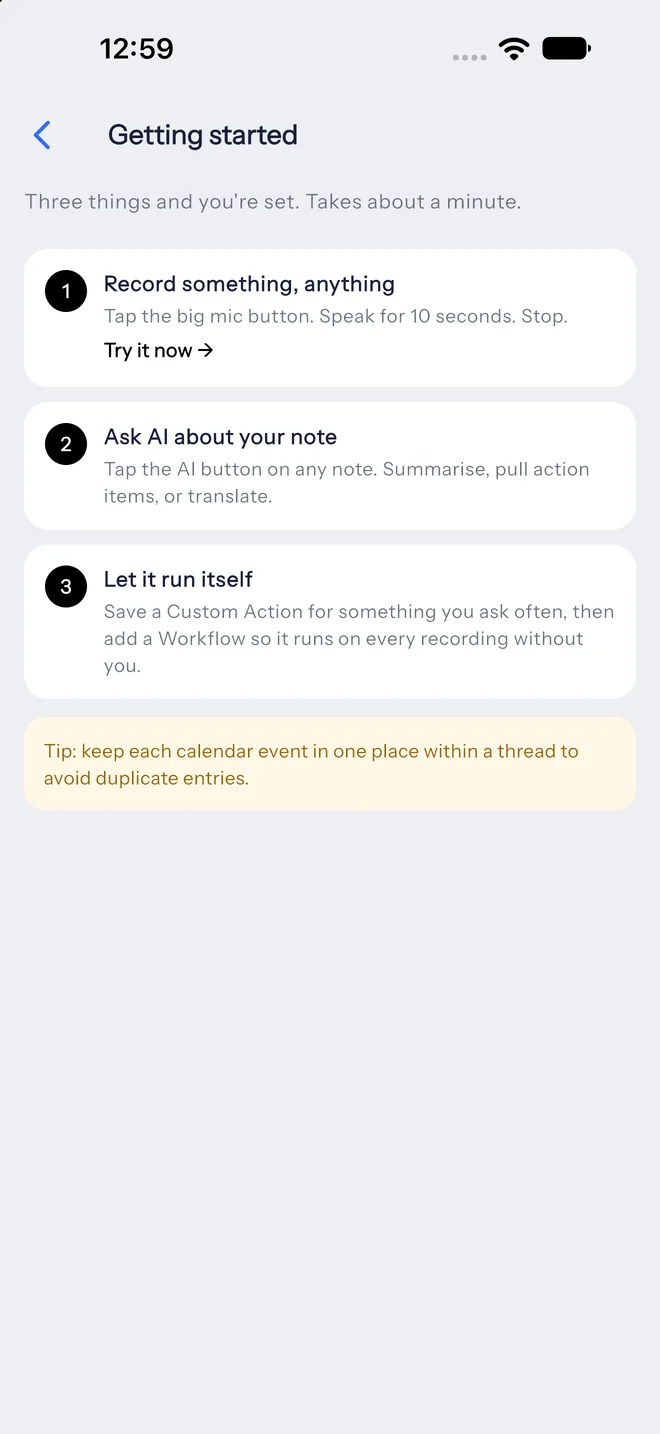
No setup to start. Record first; add projects, actions and workflows whenever they’re useful.
-
“Book the kickoff for Tuesday at 10…”1
Speak
Tap the mic and talk, or type, or snap a photo of a page.
-
Call with Sarah: quote by FridaySarah needs the revised quote by Friday. Kickoff Tuesday, 10:00.2
Understand
A clean transcript and a summary, sorted into a note, to-do or reminder, and filed under the right project.
-
 Recap emailed to Sarah✓
 Kickoff on your calendar✓
 Update posted to #team✓3
Act
Actions and workflows turn the note into follow-ups, calendar events, to-dos and updates in the tools you use.
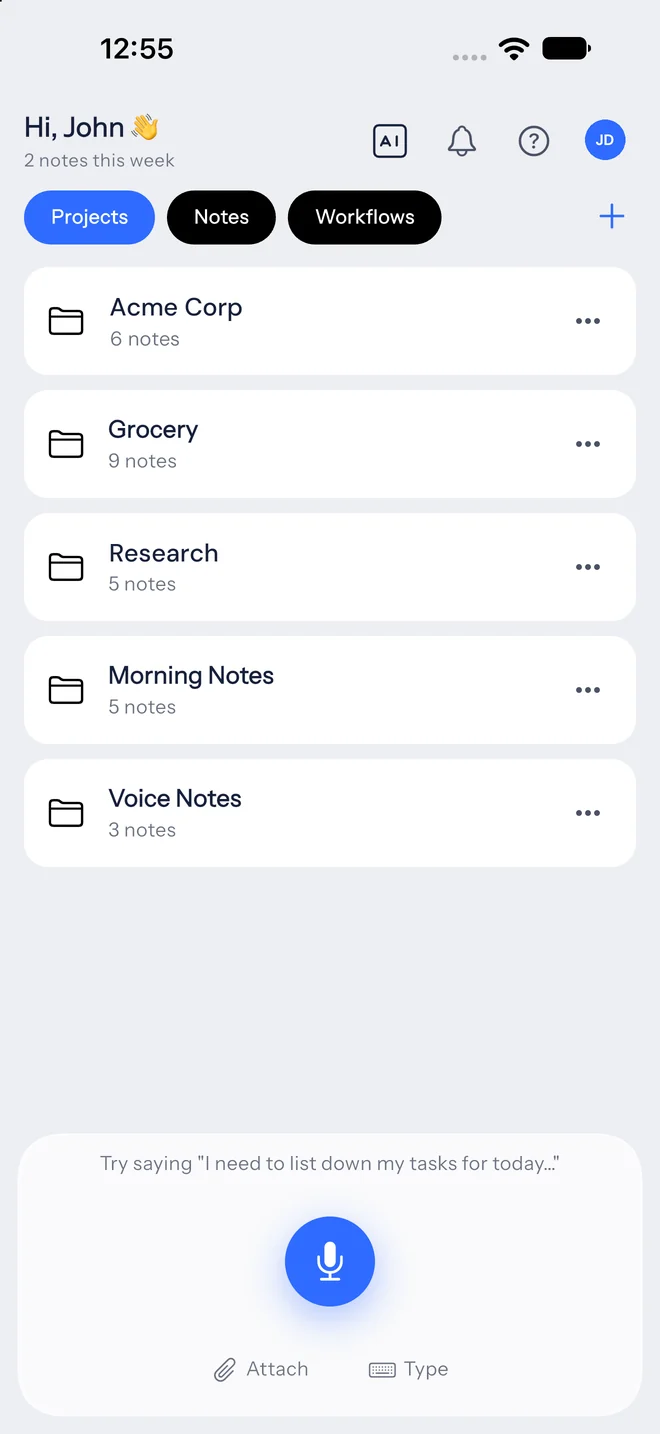
Context that stays with the client.
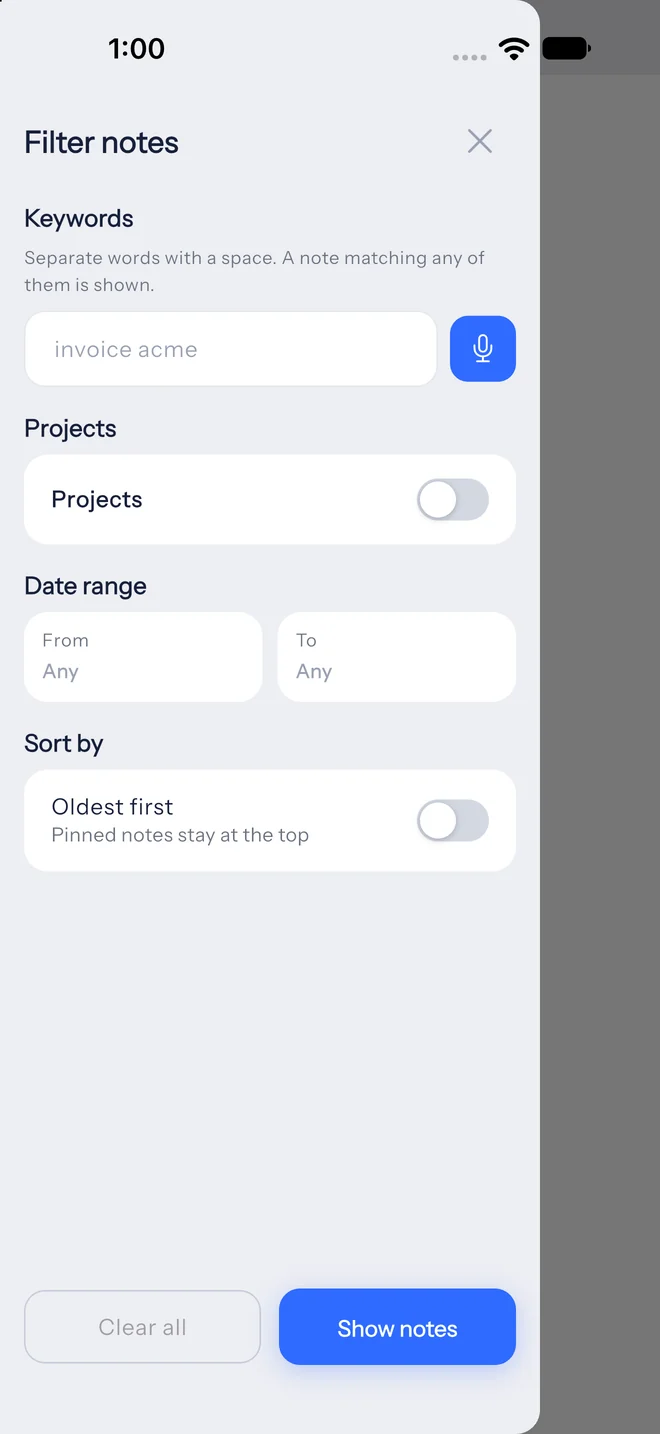
Group notes by client, subject or project. Each project can carry its own instructions and vocabulary, and workflows can be aimed at a single project.
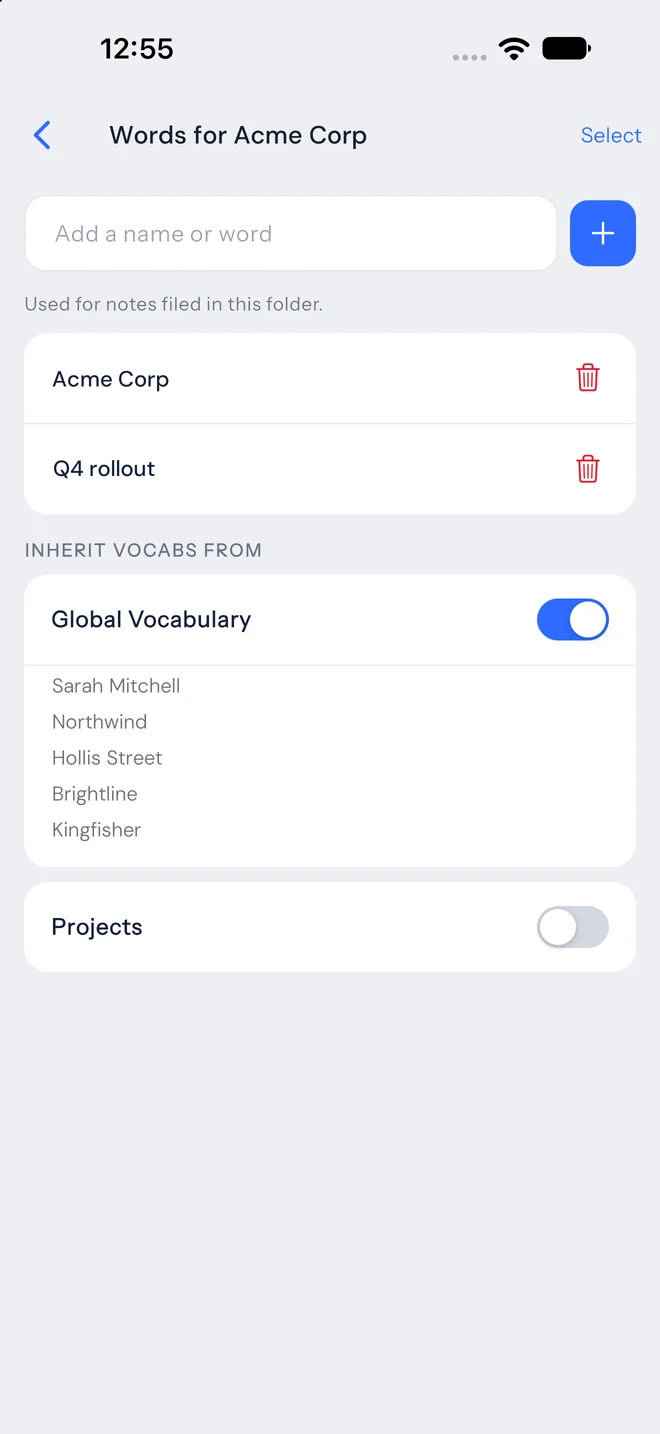
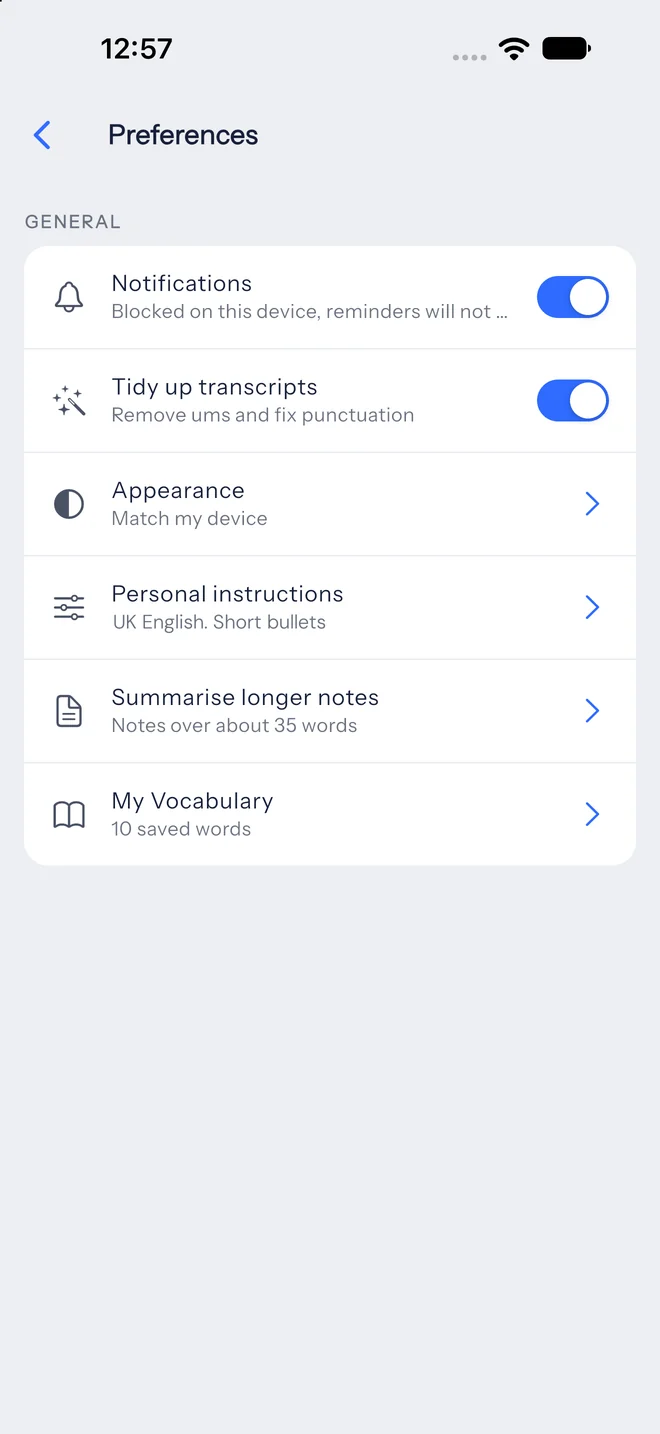
Names spelled right. Notes written your way.
Add the people, products and acronyms you mention, and set standing instructions once. Every summary, action and answer follows them.
Set it up once. It runs on every note.
Pick a trigger, add steps in order, and narrow it to a project if you like. Each run is logged on the note, step by step.
Daily log

Team standup

Client follow-up

Content drafts

Seven ready-made actions, plus any you write.
Run an action from any note, give it a voice command, or use it as a workflow step. Custom actions are plain-language instructions saved once.
Works with the tools you already use.
Connect a destination once, in the app or on the web, and every workflow can send to it.



Built for people who think out loud.
Founders
Decisions, investor updates and hiring notes captured between meetings.
Consultants & agencies
A project per client, recaps sent the moment a call ends.
Students
Lectures turned into summaries and study checklists.
Creators
Ideas on the go, drafted into posts in your own voice.
Clinicians & legal
Dictated case notes with structured follow-ups. Always review AI output.
Solopreneurs
Admin handled by voice: reminders, invoices, client messages.
From research to something you can actually use.
LetsVoice is a product of Alpha AI, an applied AI research lab building practical technology with long-term public benefit in mind.
We work across different areas of artificial intelligence, from voice technology and automation to smaller models that run locally on everyday devices. Some of that work becomes research. Some becomes standalone products. And sometimes those ideas come together to make an existing product a little more useful.
LetsVoice is one of those products.
Our approach is simple. Not every problem needs the largest AI model or the most complicated solution. We use the right technology to make something genuinely useful, accessible and sustainable.
As our research and products grow, so will what LetsVoice can do. Not because we want to add AI to everything, but because we want the things you already do to get a little easier.
We’re building for the long term, and we want the people using LetsVoice to help shape what comes next.
Built by Alpha AI. Made for people.
Your notes stay yours
Processed to give you results. Never sold, never used for ads, never used to train AI models.
Delete any time, any plan
Reading, editing and deleting what you have is never behind a paywall.
Calendar, kept narrow
LetsVoice only touches the calendar events it creates. Apple Calendar stays on your phone.
The mic is on only when you record
Nothing listens in the background. Audio leaves your phone only when you finish a note.
Start free. Upgrade when it runs your week.
Clear monthly limits you can always see in the app. Lifetime plans available.
Free
- 40 notes & 60 recorded min / month
- 5-minute recordings
- 10 Ask AI questions / month
- 10 action runs / month
Plus
- 400 notes & 600 recorded min / month
- 15-minute recordings
- 150 Ask AI questions / month, across all notes
- Built-in actions + 10 of your own
Pro
- 1,500 notes & 2,000 recorded min / month
- 30-minute recordings
- 600 Ask AI questions / month, across all notes
- Built-in actions + 50 of your own
Max
- 4,000 notes & 5,000 recorded min / month
- 90-minute recordings
- 1,500 Ask AI questions / month, across all notes
- Built-in actions + unlimited of your own
Questions, answered
Can I speak in other languages?
Yes. You can record in other languages as well as English, and any note can be translated into English when you need to share it.
What’s the difference between an action and a workflow?
An action is a saved instruction run on a note, like “Meeting notes” or your own “Client recap”. A workflow is a set of steps that runs by itself on every note, when you say a tag, or when you ask, and can send the result to Slack, Notion, Sheets, email and more.
Do I need the app, or can I use the web?
Either. Record in the iOS and Android apps, or right in your browser from the web dashboard. On the web you can also find and search notes, manage your projects, workflows and integrations, see your usage, and talk to support.
What happens when I hit a monthly limit?
You’ll see a warning at 80%. If you cross a limit mid-recording, that note is still saved and transcribed; the next one waits for the 1st of the month or an upgrade. Your existing notes are never locked.
Is there a lifetime deal?
Yes: pay once on the pricing page, or redeem an AppSumo code. Lifetime plans have monthly limits like any plan; see the Fair Use & Lifetime policy.
Can I get a refund?
Within 7 days of your first payment, as long as the plan has barely been used. The Refund Policy lists exactly what counts, and the app shows where you stand.
Start with one voice note. See how far it goes.
Free plan, no card. Your first note takes ten seconds.