You talk. LetsVoice transcribes the recording, decides whether it is a to-do, a reminder or a plain note, then schedules it, adds the calendar event, or runs an instruction you saved earlier.

Three steps, and only the first one is your job.
"Remind me to call Sarah at 5 about the launch checklist."
Already past 5? It schedules tomorrow at 5 instead.
Hold the mic and talk. You can also type a note, or photograph a whiteboard or a page and let LetsVoice read it.
The recording is transcribed on our servers using Groq's Whisper model, and the text comes back into your note.
The note is classified as a todo, a reminder or a plain note. Reminders and todos with a time become calendar events; your own actions run on top.
The recording, the photo and the resulting text stay for as long as the note exists in your account. Full detail is in the Privacy Policy.
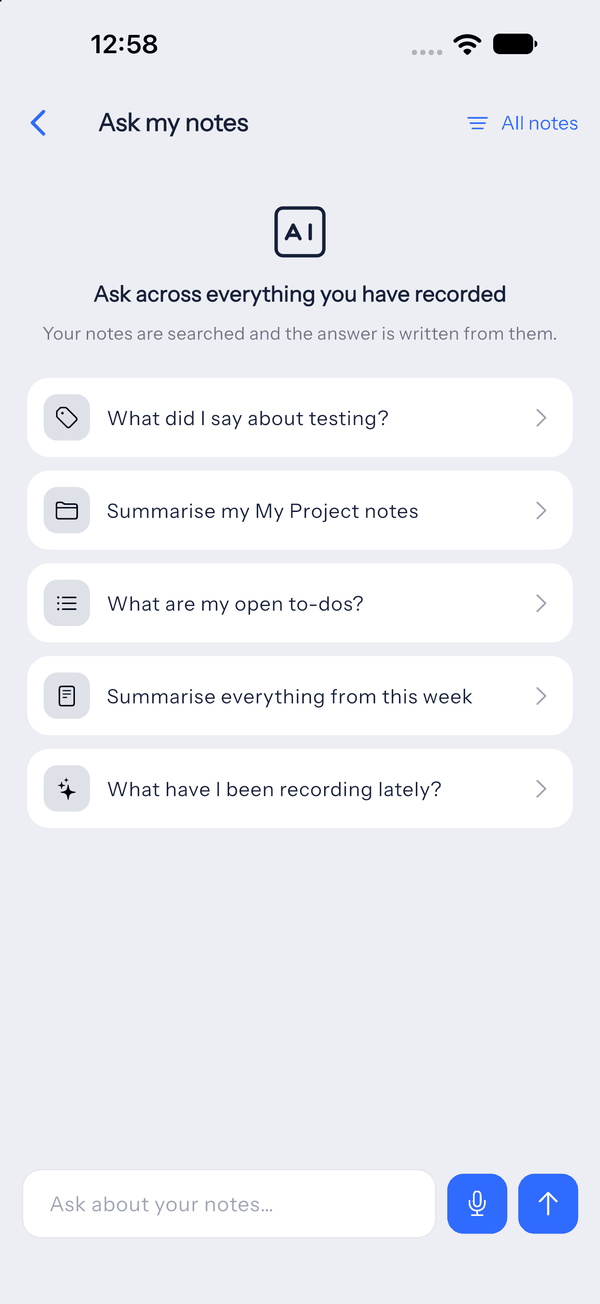
Every note carries its own conversation. Ask what you committed to, or have the note rewritten as an email. The answers stay attached to the note they came from, so there is no chat history to search through.
See every feature