
Intent, not tagging
Every note is sorted automatically. "Remind me to call Sarah at 5" becomes a reminder for 5pm, and if it is already past 5, tomorrow at 5.
What is listed below is in the app now. Anything still planned is at the bottom of this page, marked as planned.

Nothing to file, nothing to tag. Say it and it lands in the right place.
Every note is sorted automatically. "Remind me to call Sarah at 5" becomes a reminder for 5pm, and if it is already past 5, tomorrow at 5.
Connect Google Calendar and timed notes are pushed there as events. On iPhone, events are written to the calendar on the device.
An instruction you write once ("summarise this in five bullets", "draft a reply", "pull out every decision") and then apply to any note with one tap.
Chat with a single note. Ask what you missed, what the next step is, or to rewrite it. The conversation stays attached to that note.
Take a picture of a slide, a receipt or handwriting. LetsVoice reads it and stores the text as a normal, searchable note.
Add the names, products and acronyms that transcription keeps getting wrong, so it stops getting them wrong.
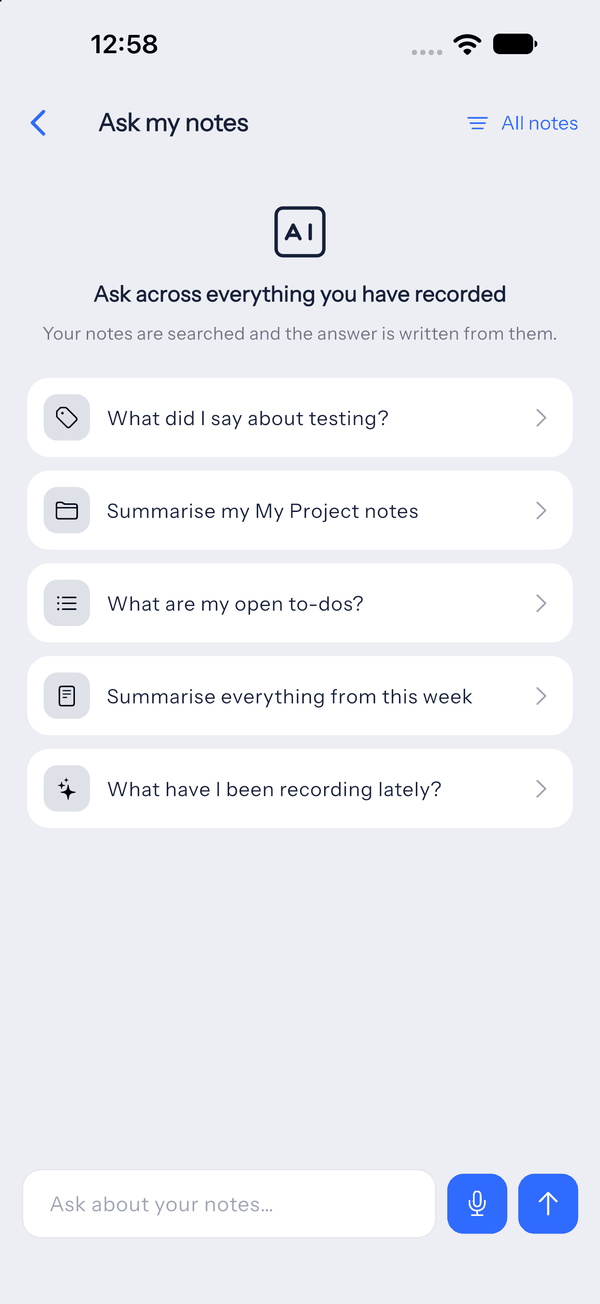
Ask what you committed to, or have the note rewritten as an email. The answers stay on the note itself, so you are not searching one long chat history for the reply that belongs to Tuesday's meeting.
See which plan includes itListed here so you can tell what you are paying for today.
Shared notes across a team.
Send a voice note to a number and have it land in your account.
A call instead of a notification when a reminder is due.